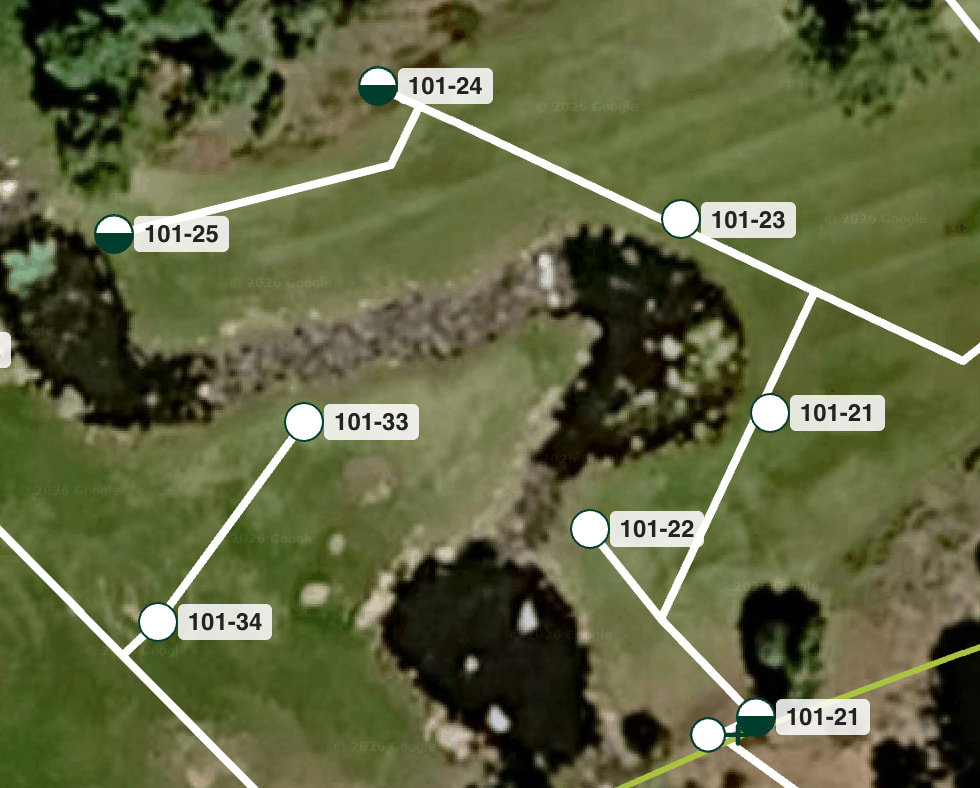
We have just added the ability to show Station Numbers on your map. This makes your map look much more like a traditional map and makes it very easy to know what station you are turning on.
First, you’ll need to have Station ID’s turned on.
In More → Property settings, you can turn on Show Station ID.
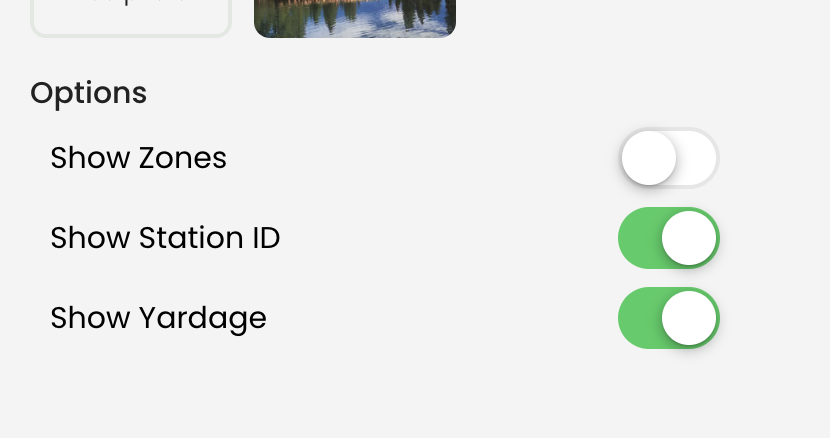
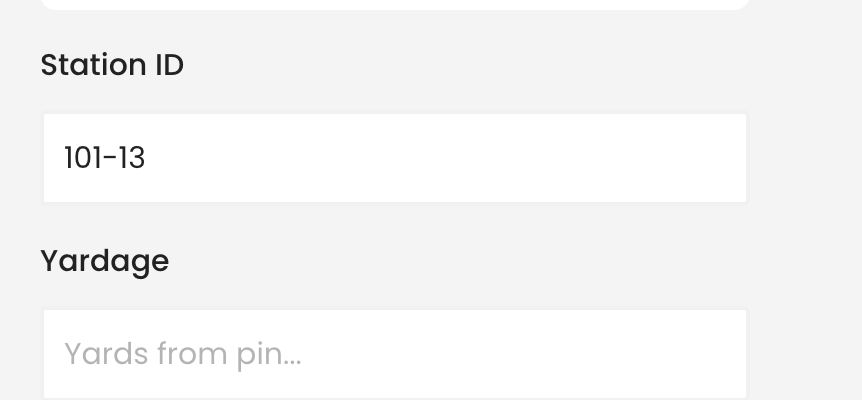
This then turns on the Station ID field in each marker which allows you to specify a Station ID.
,
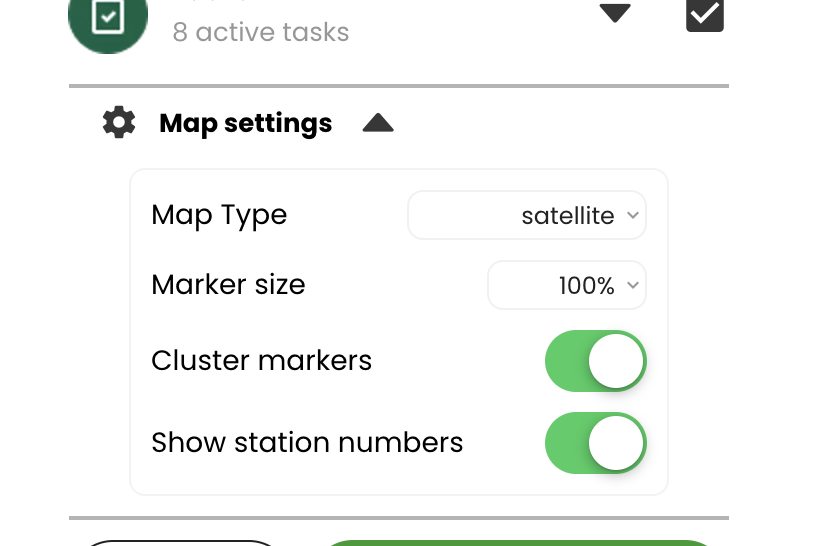
If you populate the Station ID you can toggle whether you want that to show up on the map by going to the bottom of the map, clicking on Map Options, and then Map Settings. Under Map Settings is an option called Show station numbers
If you click that option, station numbers will show on your map.
Happy Mapping!