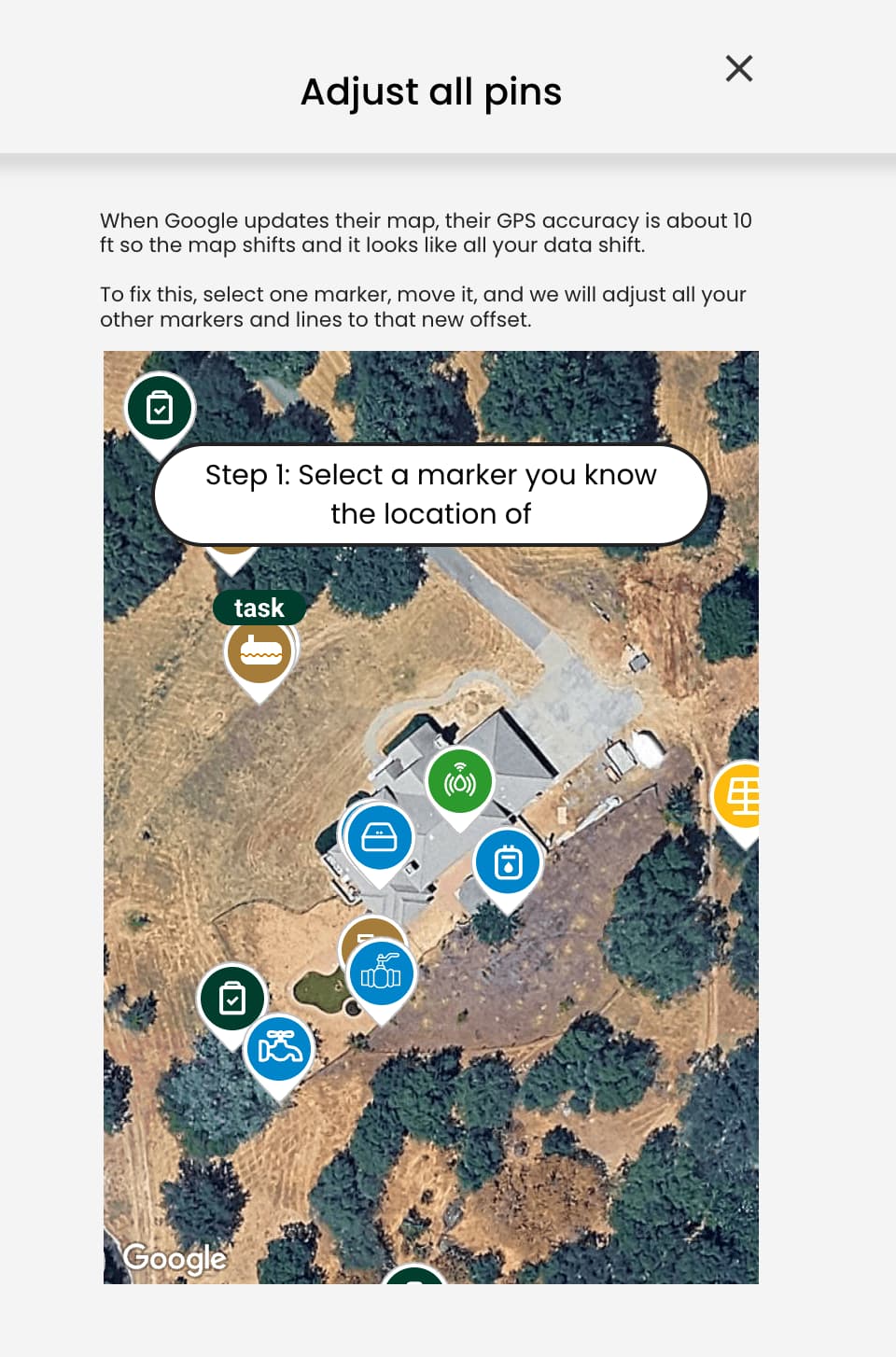
Google Maps regularly updates its imagery, and those updates do not always align perfectly with previous versions. When this happens, your map may look like your lines and markers are slightly out of place.
If you are using GPS to locate devices, this offset is usually not an issue. However, if you rely on the imagery for positioning, you may want to shift your map so everything lines up correctly.
To do this, click on the More button and select Shift Map. You’ll be prompted to move one marker into the correct position. Once you do, all of your other markers and lines will automatically update to match.