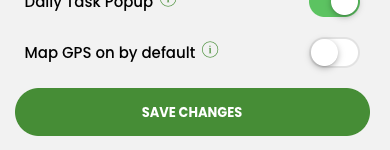
By default the map snaps right to your GPS location whenever it loads. But now you get to choose. With this new feature you can keep GPS off when the map opens. That makes life a lot easier if you are usually managing your map from somewhere else.
To change the setting just go to More, tap Profile, and use the Map GPS on by default button to toggle it on or off.
And remember the GPS is always just one tap away. Press the blue circle in the top right of the map whenever you want to jump back to your current location.